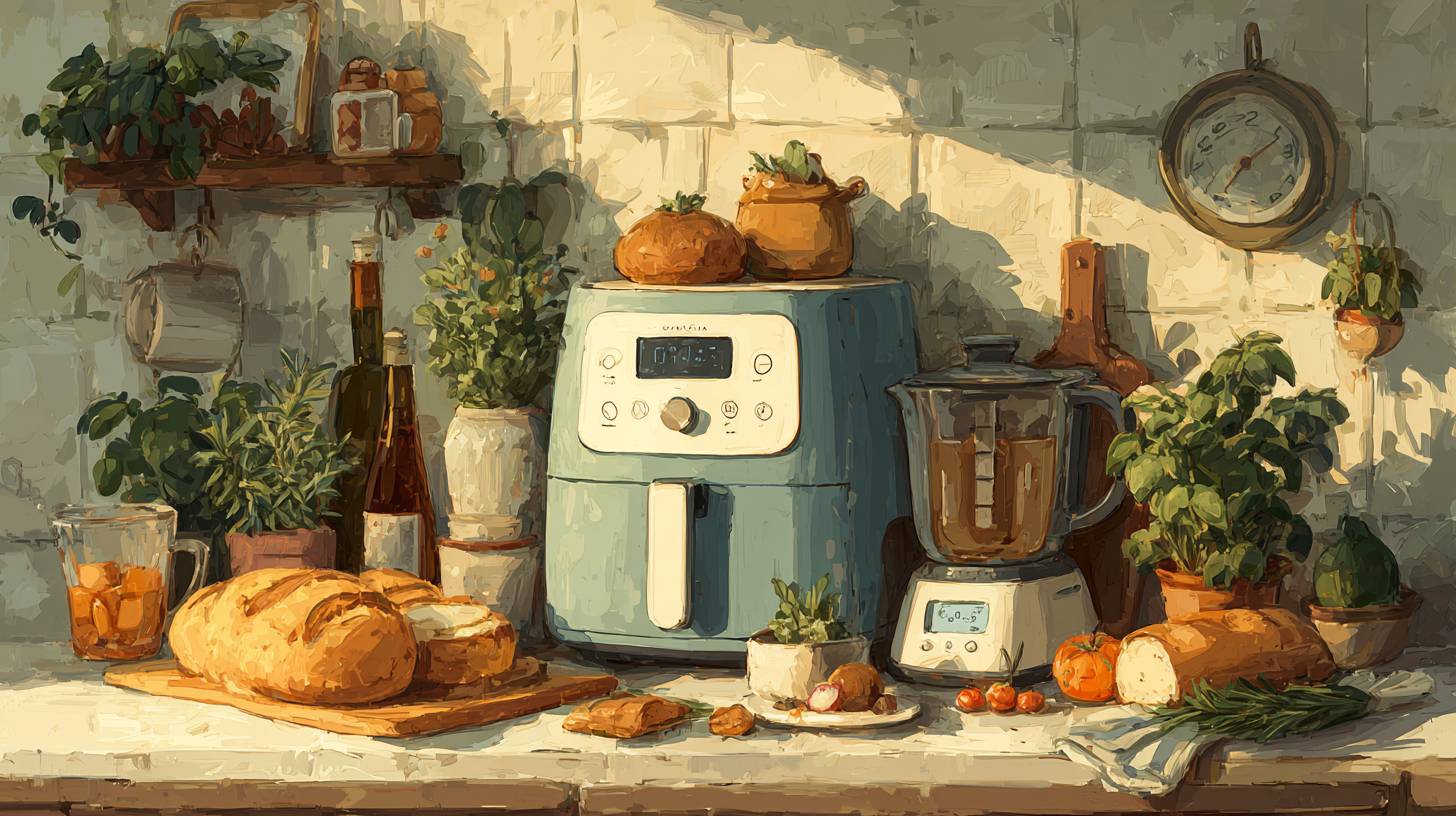
Essential Kitchen Gadgets Every Home Cook Needs in 2025
Discover the must-have kitchen gadgets for every home cook in 2025. Elevate your culinary skills and simplify meal prep ...

THE ALTERNATIVE: The Office 9 Package is the perfect alternative to MS Office. It offers you word processing as well as spreadsheet analysis and the creation of presentations. Excellent word processing - Powerful spreadsheet processing - Stunning presentations Adjustable user ...THE ALTERNATIVE: The Office 9 Package is the perfect alternative to MS Office.
It offers you word processing as well as spreadsheet analysis and the creation of presentations. Excellent word processing - Powerful spreadsheet processing - Stunning presentations Adjustable user interface: classic look or ribbon style Office at home, you can run it on up to 5 PCs! A single license is enough to provide your entire family with a powerful office suite! If you use it commercially though, it's one license per installation. FULL COMPATIBILITY: ✓ Compatible with Office Word, Excel and PowerPoint ✓ Suitable for Windows 11, 10 (32 and 64-bit versions) ✓ Fast and easy installation ✓ Easy to navigate Office 9 - Create documents, spreadsheets and presentations with great ease–and excellent compatibility! An office suite without compromise, without a lengthy training period, Office 9 lets you create documents, spreadsheets and presentations faster than ever before.
It has all the options and comfort you'd expect from a modern Office suite. And Office 9 doesn't save your files in some online cloud service but where they belong: on your PC! It's the Office suite you've always wanted! br/ br/ Use it on up to 5 PCs in your household br/ br/ - Space-efficient PDFs with auto-scaling br/ - Auto-corrections of common typos for various languages br/ - Additional list view in "New document" dialog box br/ - Different formatting options for pasted clipboard content br/ - Insert WEBP images br/ - Improved spellcheck handling br/ - Easily edit grouped objects br/ - Display full document path in title bar br/ - Direct input of hex values for Unicode characters br/ - Auto-suggestions for hyperlink insertion br/ - Improved dark mode with dark sidebars br/ - Dark mode auto-toggle based on Windows settings br/ - Share documents with Windows apps br/ - Undo individual steps during text replacement br/ - File attributes like "Compressed", "Icon position on desktop" and "Owner" preserved during saving br/ - Elegant Windows 11 style
Discover more insights and guides in this category
Discover the must-have kitchen gadgets for every home cook in 2025. Elevate your culinary skills and simplify meal prep ...

Discover the best noise-cancelling headphones that enhance focus and comfort for work and travel. Elevate your listening...
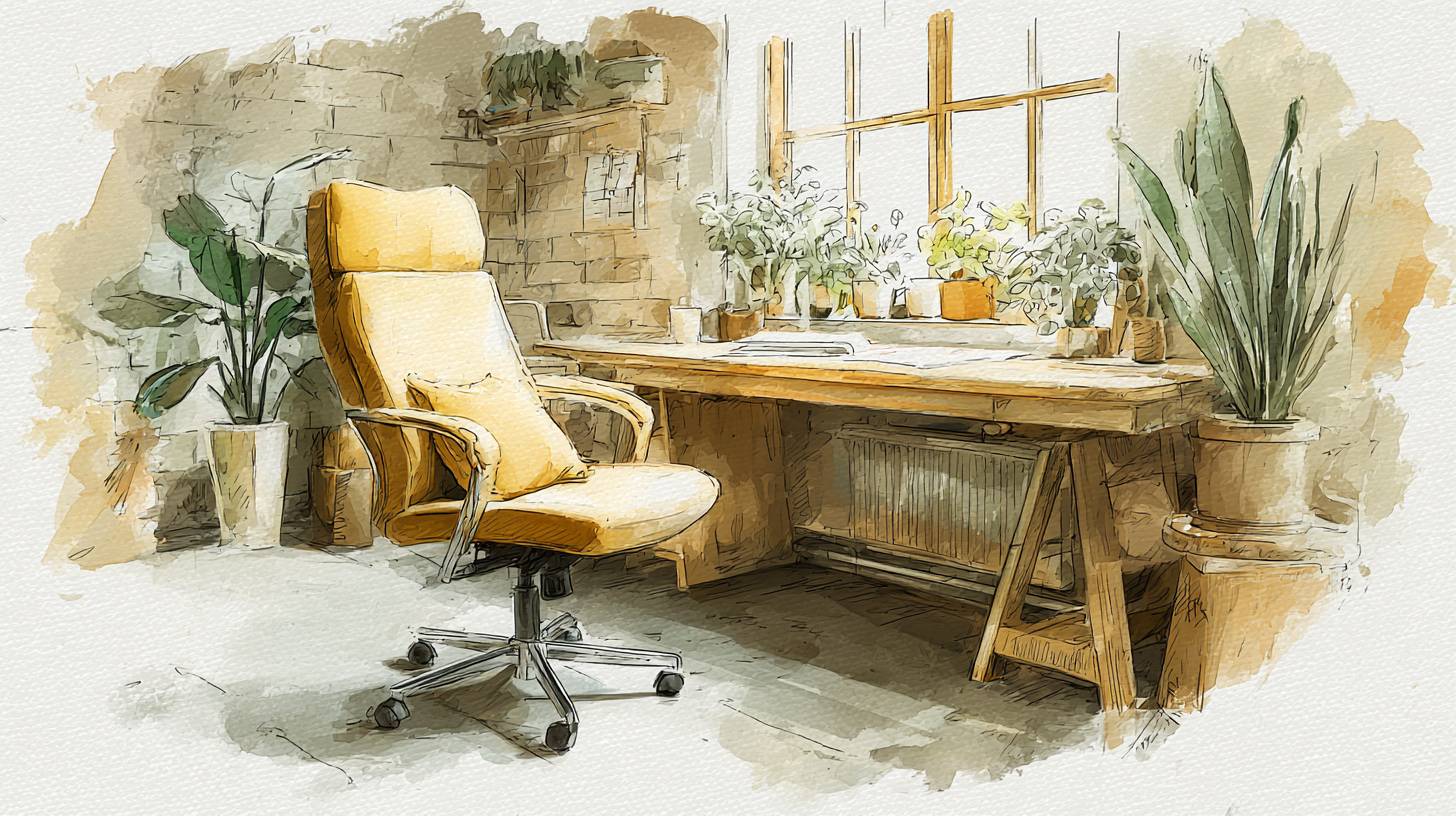
Discover the top ergonomic office chairs for ultimate comfort during long hours at your desk. Boost your productivity an...