
Essential Kitchen Gadgets Every Home Cook Needs in 2025
Discover the must-have kitchen gadgets for every home cook in 2025. Elevate your culinary skills and simplify meal prep ...

Edit PDFs as easily and quickly as in Word: Edit, merge, create, compare PDFs, insert Bates numbering Additional conversion function - turn PDFs into Word files Recognize scanned texts with OCR module and insert them into a new Word document Create interactive forms, practical ...Edit PDFs as easily and quickly as in Word: Edit, merge, create, compare PDFs, insert Bates numbering Additional conversion function - turn PDFs into Word files Recognize scanned texts with OCR module and insert them into a new Word document Create interactive forms, practical Bates numbering, search and replace colors, commenting, editing and highlighting and much more No more spelling mistakes - automatic correction at a new level Lifetime License, For Win 11, 10, 8.1, 7 Included in box: Product KEY Card with download link and license key The best software for your PDFs PDF Pro 4 is the complete solution to manage and edit your PDF documents. The program has everything you need to create, convert, edit, merge and protect your PDFs. Create perfectly sized documents that are readable on any device and use encryption to protect your property when needed.
Your PDFs are now as easily editable as Word documents! Edit PDFs as easily as Word documents - Sophisticated word processing - New hyphenation support for perfectly formatted texts - Powerful spell checker with brand-new dictionaries - Convert PDFs to Word, text and HTML quickly - Create and edit interactive forms - Compare two PDFs side by side - Copy PDF snapshots directly to the clipboard - New snapshot function for perfect PDF screenshots - Legally valid Bates numbering - Merge PDFs with ease - Browser-like overview with tabs, direct comparison, and fullscreen mode PDF editing as versatile and flexible as a modern Office suite! PDF Pro 4 offers flexible document viewing similar to a web browser. Open and edit PDFs in convenient tabs that enable instant file switching. View multiple pages side by side to get the perfect overview–ideal for comparisons or parallel editing.
Freely adjust thumbnails to make navigation and content location super easy, and use the optional fullscreen mode for distraction-free editing, allowing you to focus entirely on your document!
Discover more insights and guides in this category
Discover the must-have kitchen gadgets for every home cook in 2025. Elevate your culinary skills and simplify meal prep ...
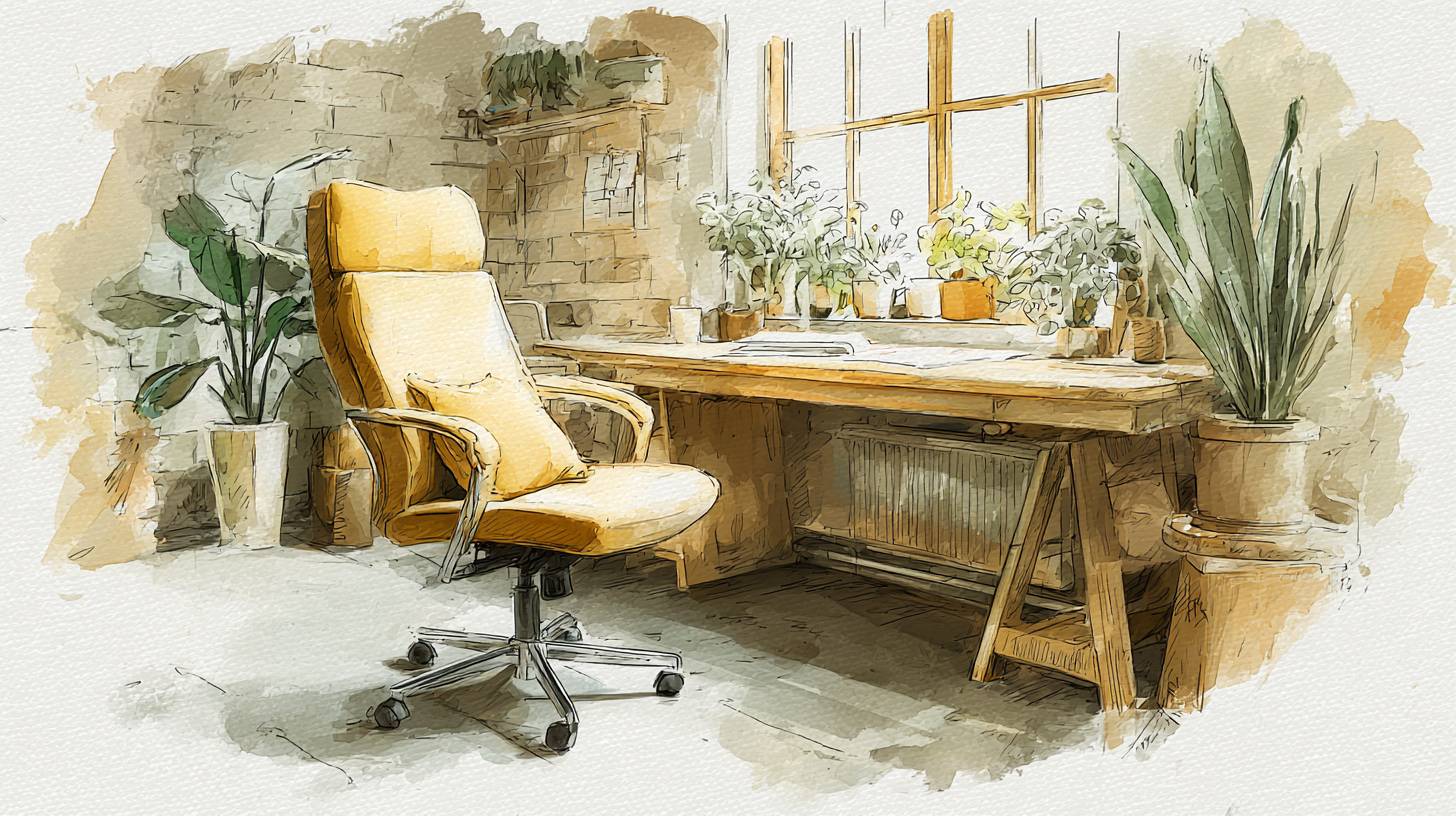
Discover the top ergonomic office chairs for ultimate comfort during long hours at your desk. Boost your productivity an...

Discover the best noise-cancelling headphones that enhance focus and comfort for work and travel. Elevate your listening...