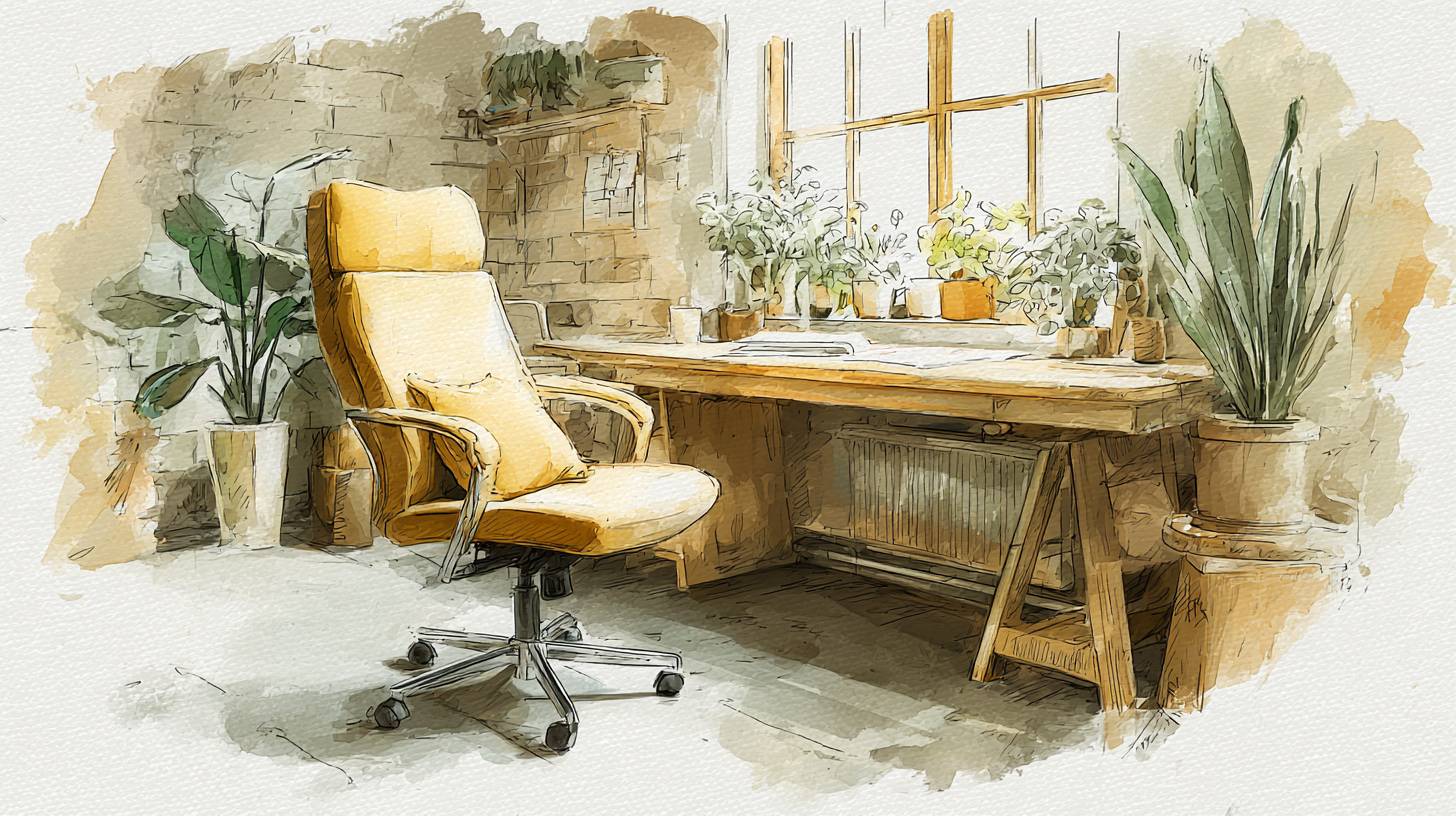
Best Ergonomic Office Chairs for Long Hours at the Desk (2025 Guide)
Discover the top ergonomic office chairs for ultimate comfort during long hours at your desk. Boost your productivity an...
Home & Landscape Design Professional Overview: Design Beautiful Spaces Inside and Out! This complete home and landscape design software suite combine all the materials, tools, textures, furnishings and accessories to help make building and landscaping projects a stunning reality ...Home & Landscape Design Professional Overview: Design Beautiful Spaces Inside and Out! This complete home and landscape design software suite combine all the materials, tools, textures, furnishings and accessories to help make building and landscaping projects a stunning reality. Use Punch! Home & Landscape Design Professional to quickly update or design entire homes and commercial buildings; plan kitchen renovations, bathroom renovations, basement remodels, landscape; create outdoor living spaces, decks, patios, pools and get fast results for professional-level or serious DIY home projects. Create new home designs, kitchen renovations, bathroom updates and landscapes or use professional designer quality layouts that you can drop into your projects.
The Professional Series contains a wealth of tools and top features, perfect for the Designer, Contractor and serious DIY person who wants to design a new home, landscaping, renovate, remodel and more. New tools, improved drawing methods, easy-to-use interface, and dynamic search tool makes it easy to design your project and find the materials you need. Choose from contemporary to modern style home plans from coast to coast, as well as thousands of materials textures, furnishing, and accessories to complete your 2D and 3D designs.
Tips for "Building Green" are included with a selection of green objects and materials. Includes how-to video tutorials, user forum and technical support to provide help when needed. Helpful Help Features: Punch! Home & Landscape Design Professional helps to quickly create 3D home plans and 2D home plans for kitchens, baths, and landscapes with professional designer quality layouts that quickly drop into projects.
Feature-packed v21 offers thousands of materials, textures, furnishings, and accessories and makes it's even easier to find those materials with a dynamic search tool that quickly searches for the perfect furnishing, paint, texture or accessory with ease. V21 goes the extra environmental mile with tips for “Building Green” that includes a selection of green objects and materials. To help with all this designing power, v21 also comes with an Integrated Interactive Help System to make finding and using the right tool easier than ever.
What's New! 2D Plan Detailing: Punch v21 now provides extensive detailing tools suitable for annotating site plans, floor plans, elevation views, and providing other details required for proper construction and permits. These new tools include a Callout tool, Level Lines, Plan, Window and Door labels, and Note Markers. In addition, numerous improvements to line styles and fill patterns provide a greater ability to annotate and call out regions and areas of the drawing.
All essential in accurately communicating design intent. New Callout Tools: Define portions of the building model as details, sections, and elevations. Level Lines: Add labels to drawing to callout important structural elevations when creating construction documentation.
Line Styles: Ability to add labels to line styles. Note Markers: Identify building specifications such as framing requirements, pier locations, etc. Plan Labels: Add title lines to display Plan names; customize text alignment and font style.
Window and Door Labels: Add custom labels for use, for example, in identifying manufacturer name or model/part number. 2D Object Detailing: Fill Patterns: Newly added patterns, and a new rotate pattern option. Fill Pattern Library: Expandable through downloadable content.
3D Editing with All New Professional CAD Tools: 3D Custom Workshop Pro: This new Punch! Power Tool adds over 90 professional CAD tools to Punch! Home Design. Its diverse feature set, consisting of 2D drafting, 3D modeling, editing, and data sharing tools allow the user to create virtually any object to complement their home design project. Objects created can be saved to your library and used with any of your home and landscape designs.
Custom Workshop Pro can bring in popular CAD file formats such as SketchUp , 3D Studio , 3MF, STL, DAE, PLY, as well as Adobe Illustrator , PDF, SVG, TIFF, BMP, PNG, and JPG. Some of the features included in Custom Workshop Pro: 2D Drafting Features: Line Tools (8 methods) Arc Tools (5 methods) Circle Tools (7 methods) Ellipse Tools (5 methods) Polygon Tools (7 methods) Bezier Spline Tool Fillet/Chamfer (5 methods) Spline Fill 3D Modeling Features: Primitives (6 types) Extrude, Lathe, Skin, Cover Booleans (Add, Subtract, Intersect) Subdivision (Add Loop, Fill, Bridge, Inset) Split & Slice Modification and Editing: Align, Group, Ungroup, Copy, Paste Transformations (Translate, rotate, scale, mirror, along path) Arrays (Polar and Rectangular) Magnet Tool Data Sharing: DWG/DXF, SketchUp , 3D Studio , 3MF, STL, DAE, Ply Adobe Illustrator , PDF, SVG,
Discover more insights and guides in this category
Discover the top ergonomic office chairs for ultimate comfort during long hours at your desk. Boost your productivity an...
Discover the must-have kitchen gadgets for every home cook in 2025. Elevate your culinary skills and simplify meal prep ...

Discover the best noise-cancelling headphones that enhance focus and comfort for work and travel. Elevate your listening...